Image To Sketch
Turn a single photo into a pencil, charcoal, or ink drawing with our free Image To Sketch converter. Enjoy crisp detail, instant results, and no signup.
Feedback

freeTrialImage.bannerPity
freeTrialImage.upgradeUnlock
- ✓freeTrialImage.benefitHd
- ✓freeTrialImage.benefitWatermark
- ✓freeTrialImage.benefitUnlimited
AI Tools
Explore AI tools
MiniMax H3
MiniMax H3 AI Video Generator
Seedance 2.5
The Future of AI Video Is Here.

Seedance 2.0
The Future of AI Video Is Here.

Veo3.1
Create Stunning Videos with Veo3.1
FLUX 3 Video Generator

Kling 3.0
Next-Gen AI Video Generator
Grok Video Generator
Create Videos from Text or Images with AI
MiniMax H3 video generator
MiniMax H3 AI Video Generator
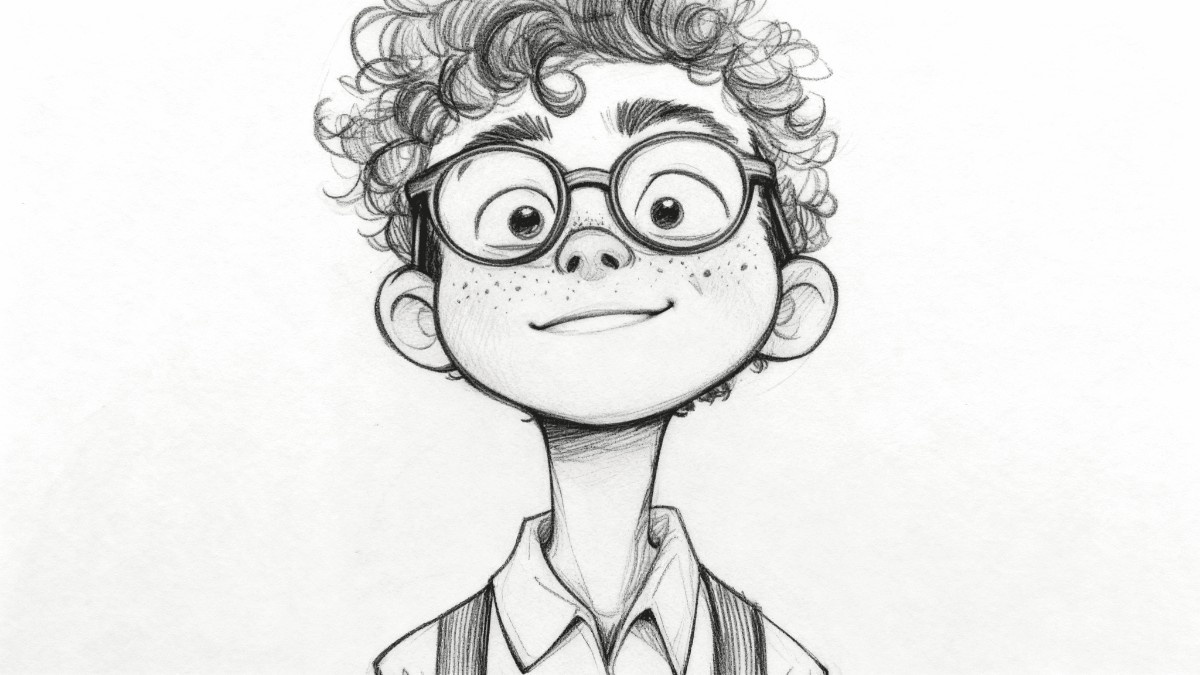
Meet the Image To Sketch Studio That Turns Photos Into Drawings
Give every photo a hand-drawn finish. This Image To Sketch workspace renders pencil, charcoal, ink, and watercolor looks in seconds, entirely online and free.
- Style LibraryPick pencil, charcoal, ink, or watercolor with one click.
- Quick RenderingWatch a photo become a sketch in moments.
- Crisp OutputDownload sharp, detailed drawings ready to share.
Why Use AI Image to Sketch Converter?
AI Image to Sketch Converter offers multiple artistic styles, batch conversion, and high-quality outputs. Perfect for creative projects.
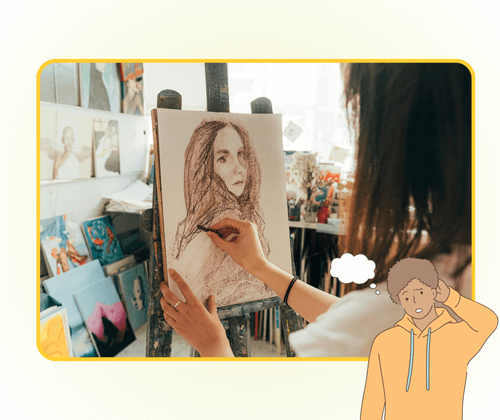
Three Simple Steps to Create an Image To Sketch
Follow three simple steps: add a picture, choose a drawing style, and let the Image To Sketch tool finish the artwork.
Image To Sketch Features Built for Creative Work
One Image To Sketch suite covers pencil, charcoal, ink, and watercolor looks, plus batch rendering and detail-safe output.
Pencil Drawings
Classic graphite lines with soft shading.
Charcoal Effects
Rich, bold strokes with dramatic contrast.
Ink Line Art
Clean outlines and crisp black-and-white detail.
Watercolor Sketches
Gentle color washes with a hand-painted feel.
Batch Rendering
Queue several photos and convert them together.
Detail Protection
Keeps facial features, textures, and edges intact.
Image To Sketch Questions, Answered
Find quick answers about the Image To Sketch tool, from style options and batch limits to output quality and cost.
What exactly does an Image To Sketch tool create?
It redraws a photo as a pencil, charcoal, ink, or watercolor artwork while keeping the original composition recognizable.
Which drawing styles can I pick?
Choose from graphite pencil, bold charcoal, clean ink lines, and soft watercolor finishes.
Can I process several pictures in one go?
Yes—batch mode lets you queue multiple photos and render them in a single session.
Will the final sketch keep fine details?
The Image To Sketch engine preserves edges, textures, and facial features for print-ready results.
Do I have to pay or register first?
No. You can start converting images for free, and no account is required for basic use.
How long does a conversion take?
Most drawings appear within seconds after you upload a photo and choose a style.
Ready to Create Your Own Image To Sketch?
Upload a favorite photo, pick a pencil, ink, or charcoal look, and let the Image To Sketch tool turn it into art—free and fast.